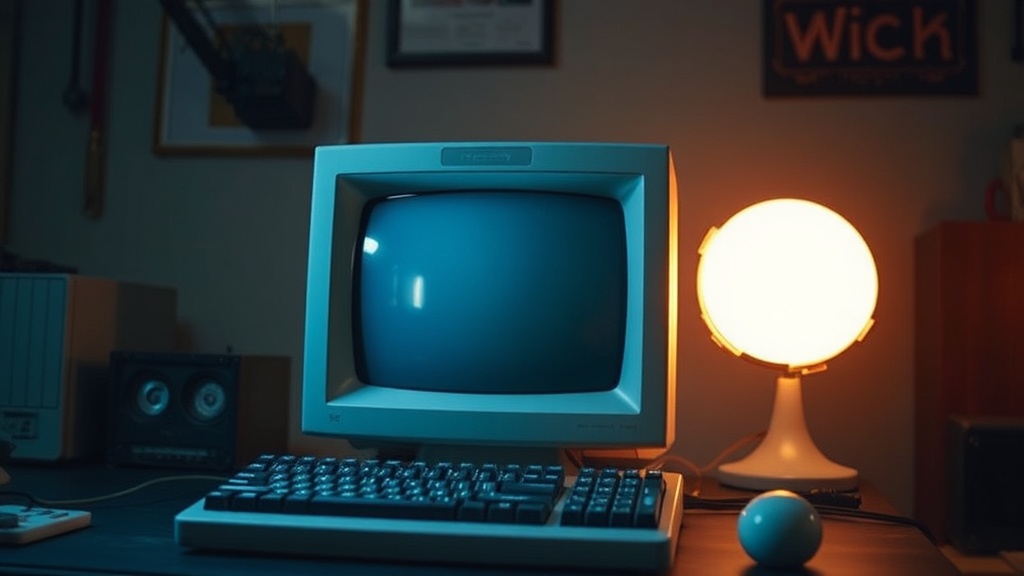
Verifying Your Latest Retro Computer Find Before the Big Boot

Roughly one in three vintage computers suffer damage or fail during their initial power-up attempt after acquisition—often due to simple, preventable oversights. Bringing a newly acquired retro machine back to life is an exciting prospect, but rushing that first boot can quickly turn triumph into tribulation. This guide walks you through essential pre-power checks to safeguard your investment and maximize its chances of a successful return to operation. We’re talking about basic safety measures and diagnostic steps you can take before ever flipping that switch.
What Should I Check Before Plugging In My Vintage Computer?
Before you even think about connecting that power cable, a thorough visual inspection is your best friend. Look for any obvious physical damage, loose components, or—the classic culprit—evidence of battery leakage. Many older systems used NiCad or NiMH batteries for CMOS settings or real-time clocks, and these can wreak havoc on circuit boards when they leak corrosive electrolyte. Are there any strange odors? A burnt smell can indicate previous electrical issues. Also, confirm the system's power requirements; a quick glance at the label on the back or bottom should tell you its voltage and wattage. Don’t just assume it’s 120V AC—some older European or Asian imports run on 220V or 240V. A step-down transformer might be in order if you're crossing international power standards (