The Real Cost of Owning Vintage Computers (And Why It’s Worth It Anyway)

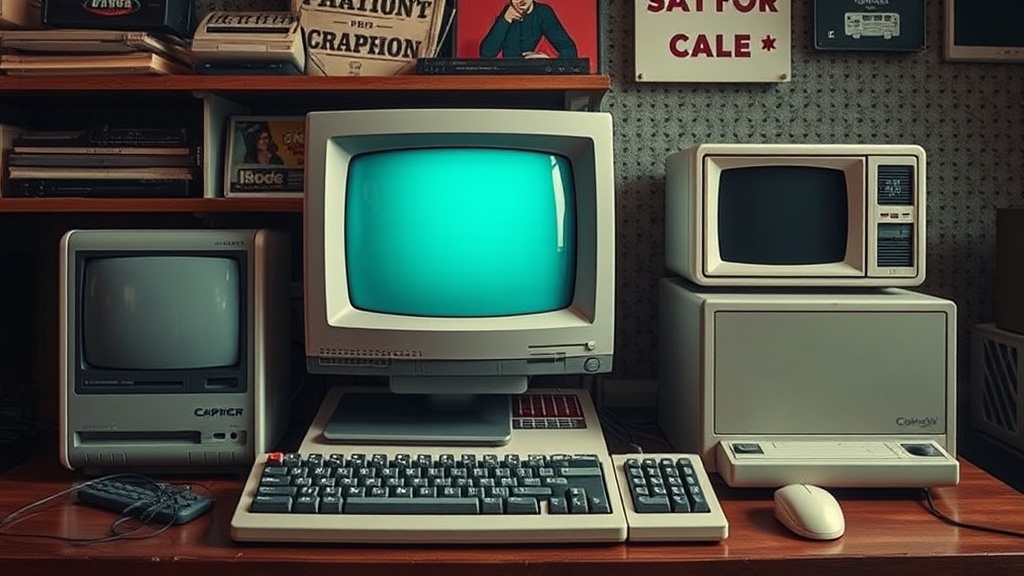
There’s a moment every retro computer collector remembers: you finally get the machine you’ve been chasing—maybe a beige Macintosh, a Commodore 64 with yellowed keys, or a pristine IBM PC clone—and you realize the purchase price was just the opening move.
I’ve been collecting long enough to say this plainly: the real cost of vintage computing isn’t what you pay upfront. It’s everything that comes after—repairs, peripherals, storage, time, and the occasional emotional spiral when something irreplaceable refuses to boot.
And yet, despite all of that, I wouldn’t trade this hobby for anything.
The Purchase Price Is Just the Entry Ticket
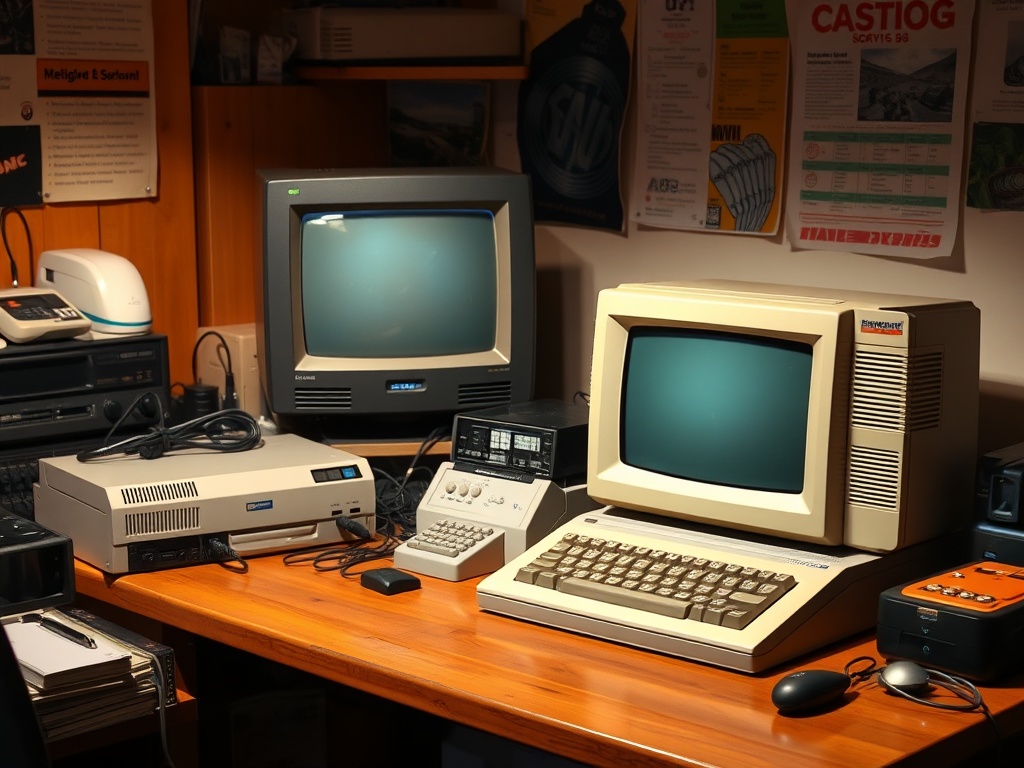
Let’s start with the obvious. Prices for retro machines have climbed steadily over the last decade. What used to be garage-sale fodder is now carefully listed, photographed, and priced with collector awareness.
A Commodore 64 might run you anywhere from $100 to $300 depending on condition. Early Macintosh models? Often several hundred dollars, and that’s before you even confirm they power on reliably.
The mistake beginners make is assuming that’s the cost of ownership. It’s not. It’s the admission fee.
Repairs: The Hidden (and Inevitable) Expense
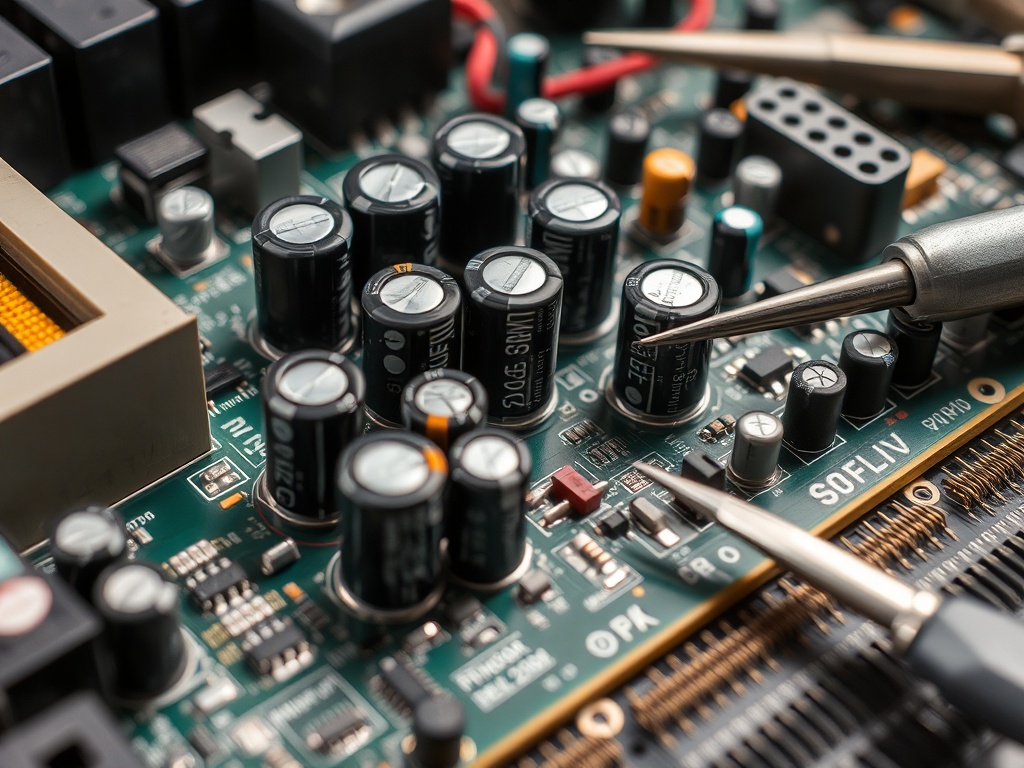
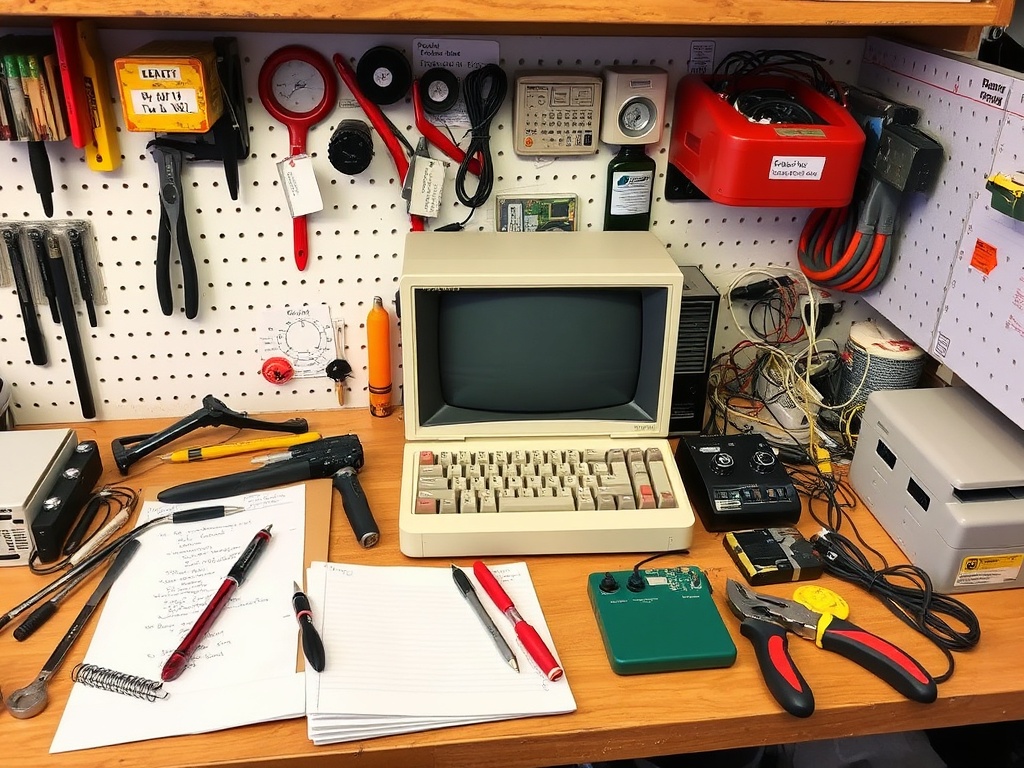
If you collect old machines, you will eventually learn one truth: everything fails. Capacitors leak, power supplies drift out of spec, floppy drives seize, and plastics become brittle.
Some collectors avoid this by only buying “tested working” units. That buys you time—not immunity. A 40-year-old capacitor doesn’t care how good the listing photos looked.
Repair costs come in two flavors:
- Outsourced repairs: Paying a specialist can range from $50 to several hundred depending on complexity.
- DIY repairs: Cheaper in cash, more expensive in time and tools.
Most long-term collectors drift toward DIY out of necessity. Not because it’s easy, but because it becomes unavoidable.
Peripherals: The Real Money Sink
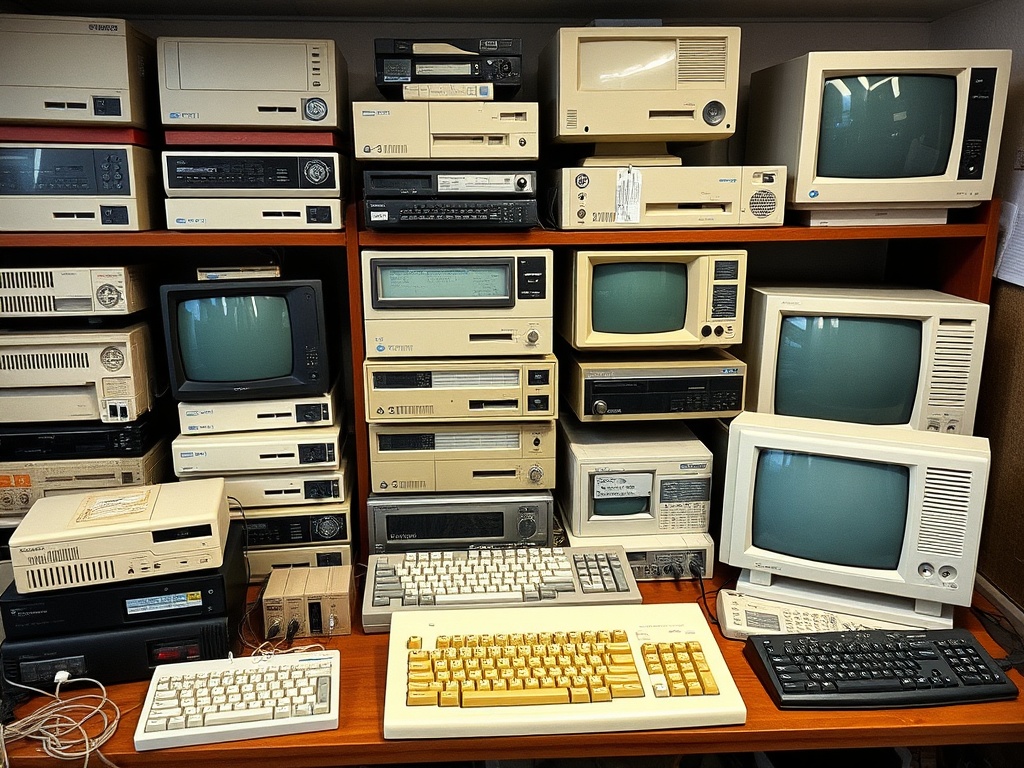
The computer itself is rarely the most expensive part of a complete setup.
Original peripherals—especially monitors and storage devices—can dwarf the price of the machine. A working CRT with the right connectors? That’s not just expensive, it’s increasingly scarce.
Then there are the “optional” extras that don’t feel optional once you’re deep in the hobby:
- Period-correct mice and keyboards
- Disk drives and expansion units
- Original software on physical media
You can emulate a lot of this today, but if you’re reading this, you already know that’s not the same thing.
Storage and Space: The Cost You Don’t Budget For
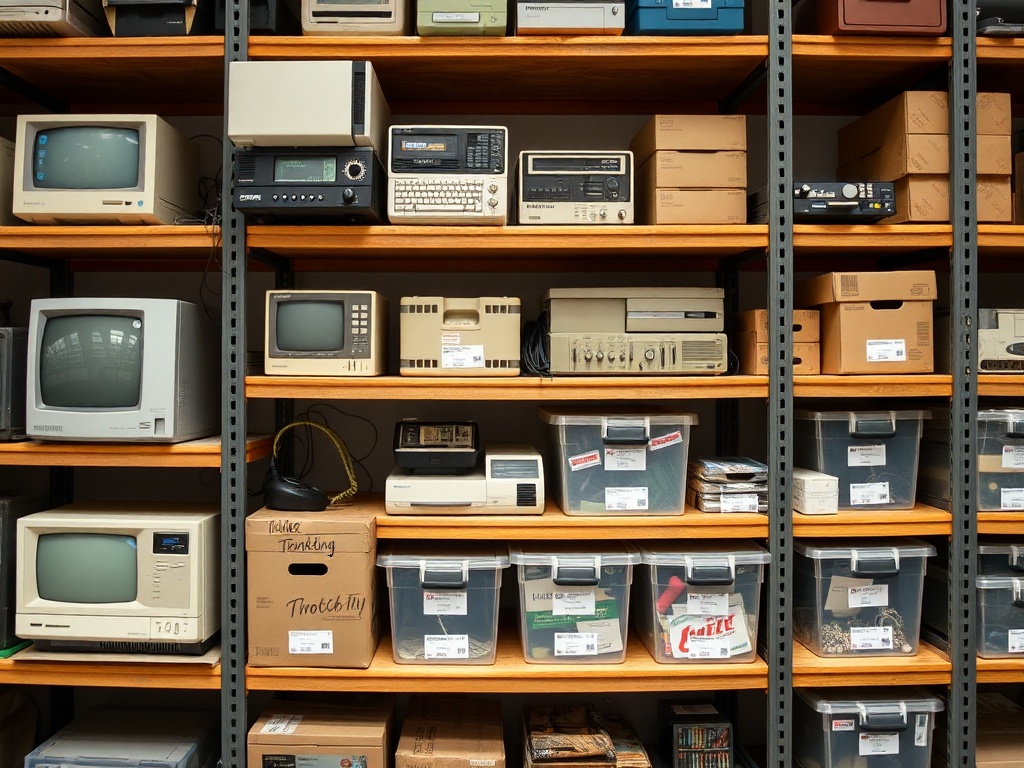
Retro computers take up space. Not metaphorically—physically, stubbornly, relentlessly.
CRTs alone can dominate a room. Add in boxes of cables, spare parts, and duplicate machines (you will end up with duplicates), and suddenly you’re reorganizing your living space around your collection.
Proper storage matters. Temperature swings, humidity, and dust all accelerate deterioration. That means:
- Shelving or storage systems
- Protective covers
- Climate awareness (at minimum)
This is where casual collecting quietly becomes a lifestyle choice.
Time: The Currency Nobody Talks About
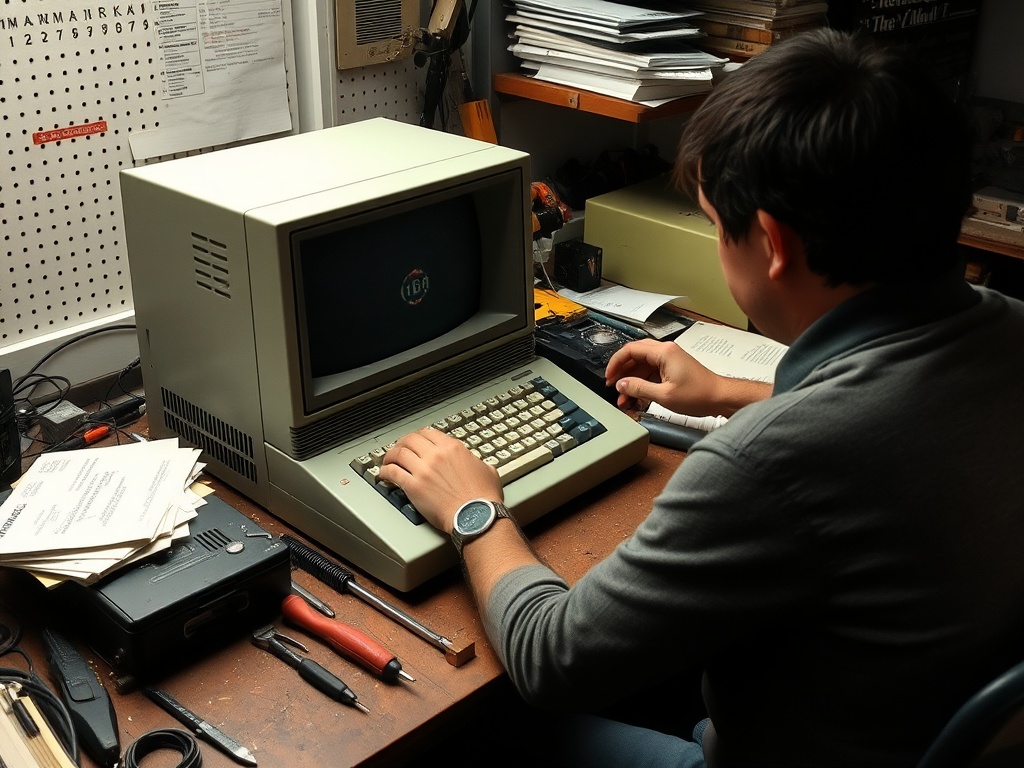
You don’t just own retro computers—you maintain them.
Time goes into:
- Cleaning and restoration
- Troubleshooting obscure issues
- Hunting for parts that haven’t been manufactured in decades
- Researching compatibility quirks and historical details
This isn’t passive collecting. It’s active stewardship.
And that’s exactly why some people burn out. If you treat this like a casual hobby, the time demands can feel disproportionate. If you treat it like a craft, it becomes deeply satisfying.
The Emotional Cost (and Reward)
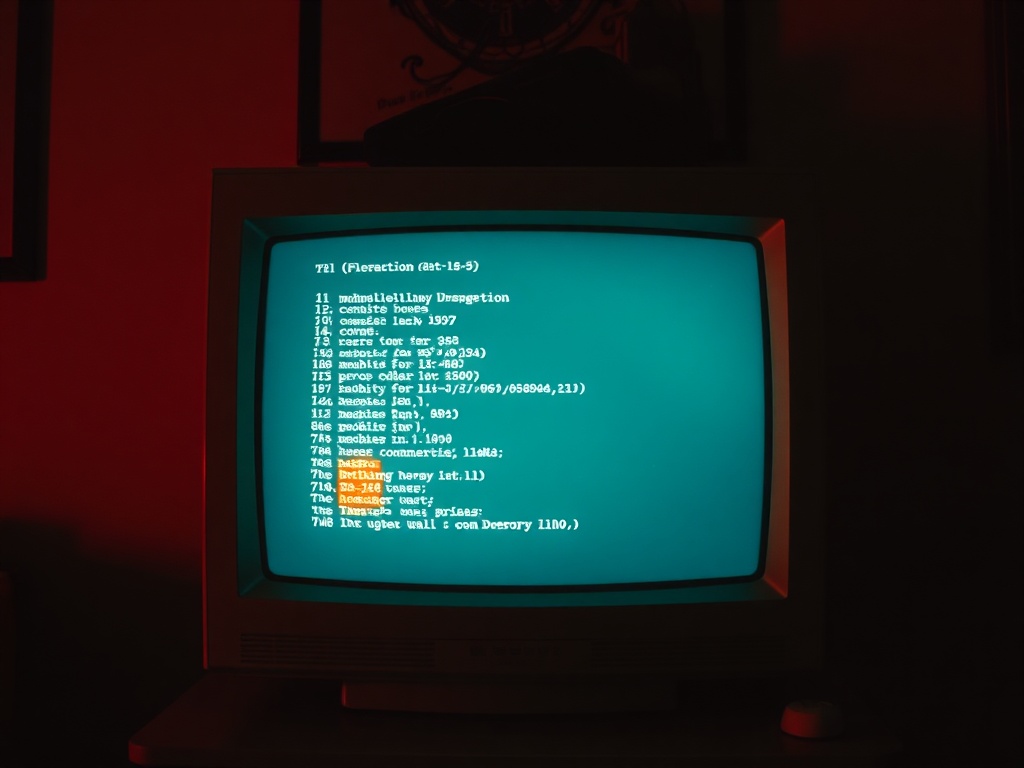
There’s an emotional side to this that doesn’t show up on spreadsheets.
Machines fail. Rare parts arrive damaged. Weeks of work can end in a dead screen and silence. That’s the cost.
But then there are the moments that keep collectors hooked:
- The first successful boot after a repair
- The sound of a floppy drive reading perfectly
- The exact glow of a CRT that modern displays can’t replicate
Those moments are hard to explain to anyone outside the hobby—and impossible to replace once you’ve experienced them.
Why It’s Still Worth It
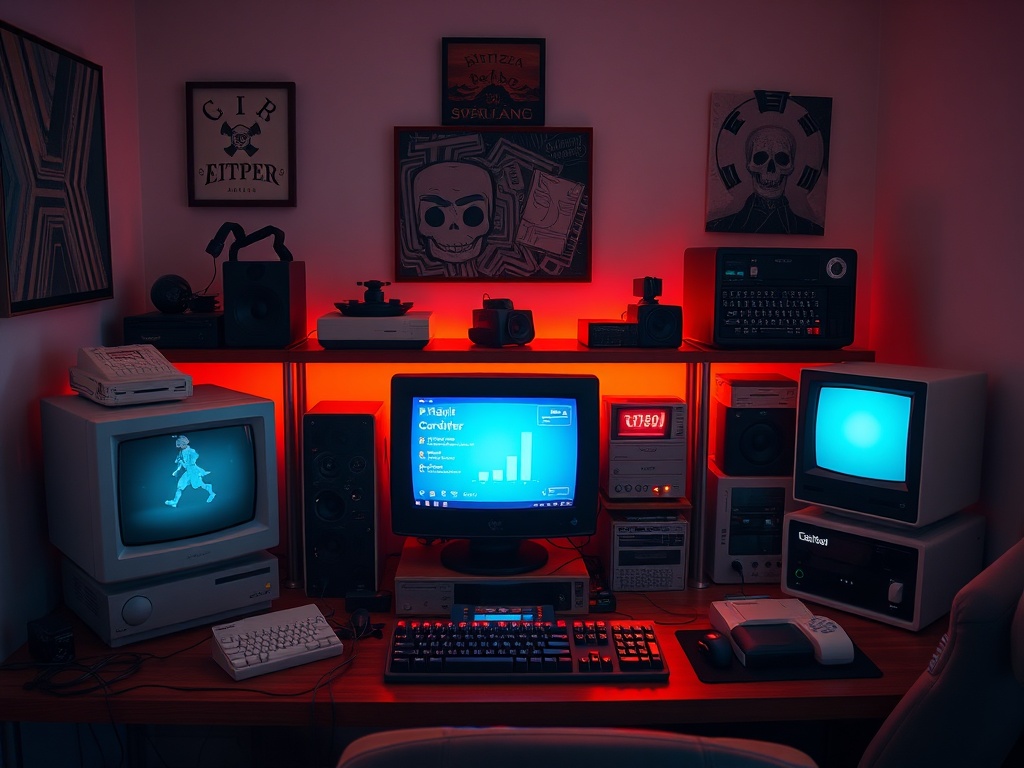
If you measure this hobby purely in dollars and hours, it doesn’t make sense. You will spend more than you planned. You will invest time you didn’t expect.
But that’s not the right way to measure it.
Retro computing sits at the intersection of history, engineering, and personal nostalgia. You’re not just collecting objects—you’re preserving experiences that would otherwise disappear.
There’s also a quiet satisfaction in understanding these machines at a deeper level than most people ever will. You stop seeing them as relics and start seeing them as systems—fragile, clever, and surprisingly resilient.
And over time, your collection becomes something more than a pile of hardware. It becomes a story: of what you chose to save, what you restored, and what you learned along the way.
Practical Advice Before You Go All In
If you’re early in your collecting journey, here’s what I’d tell you:
- Start with one platform. Depth beats breadth every time.
- Budget for repairs. Assume every machine will need work.
- Buy condition over rarity. A clean, working unit is almost always the better investment.
- Learn basic electronics. Even simple skills will save you money and frustration.
- Accept imperfection. You’re dealing with aging hardware, not museum replicas.
Most importantly, pace yourself. Collections built slowly tend to last. Collections built in a rush tend to collapse under their own weight—financially or emotionally.
Final Thought
The real cost of owning vintage computers is high. There’s no way around that.
But if you approach it with intention—knowing what you’re getting into—it becomes one of the most rewarding hobbies you can take on.
Not because it’s easy. Because it isn’t.
And that’s exactly the point.