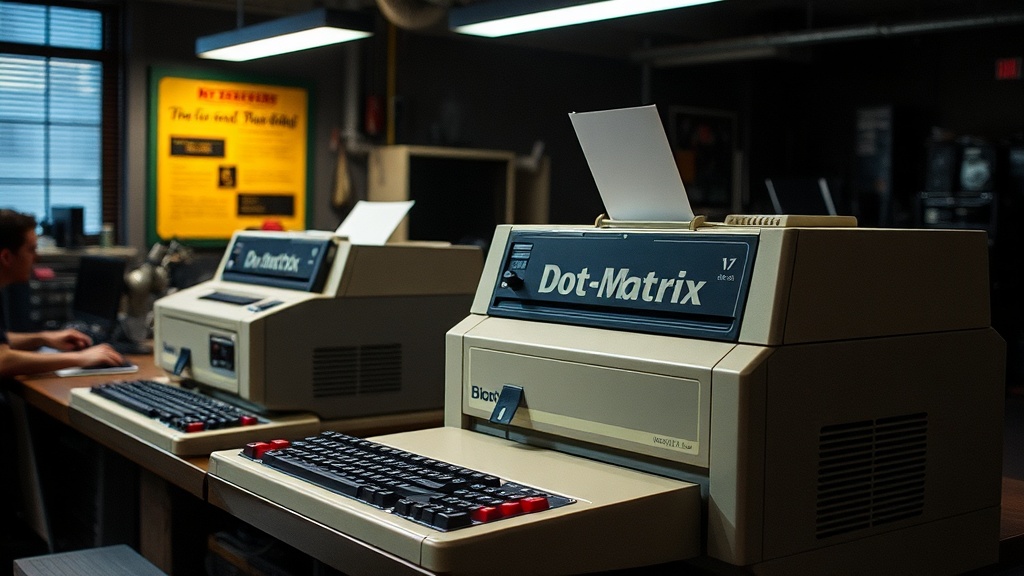
Keeping Your Dot Matrix Workhorse Humming: A Guide for Vintage Printer Owners

Keeping Your Dot Matrix Workhorse Humming: A Guide for Vintage Printer Owners
Many retrocomputing enthusiasts cling to the notion that dot matrix printers, like their early computer counterparts, are nearly indestructible — or, conversely, that their operational lifespan is inherently limited and that they're disposable once issues arise. This perspective misses the mark significantly. With diligent care and a proactive approach to maintenance, these mechanical marvels can continue to deliver that satisfyingly tactile, iconic print quality for decades to come, far beyond what many expect. This guide delves into practical strategies for preserving the functionality and extending the life of your vintage dot matrix printer, ensuring it remains a capable companion in your retro setup.
Why Does My Dot Matrix Printer Sound So Bad?
The distinct chorus of a dot matrix printer is part of its charm, but an unusually loud or grinding noise often signals a need for attention, particularly regarding its moving parts. The print head carriage, a high-wear component, slides along a guide bar. Over time, dust, dried lubricants, and general grime accumulate, creating friction. This increased friction not only generates unpleasant noises but also accelerates wear on the motor and the guide bar itself.
Regular lubrication of the guide bar is paramount. After gently cleaning the guide bar with a lint-free cloth dampened with isopropyl alcohol, apply a very small amount of a light, non-gumming machine oil—like a synthetic sewing machine oil or a high-quality silicone lubricant—sparingly. A little goes a long way here; excess lubricant can attract more dust. Move the print head carriage manually back and forth a few times to ensure even distribution. Also, inspect the carriage belt for any signs of fraying or excessive slack. While replacing these belts can be a more involved repair, a visual inspection can preempt bigger problems down the line. A well-lubricated and clean carriage assembly will result in smoother, quieter operation and prolong the life of the print head motor.
How Can I Keep My Printer Ribbons From Drying Out?
Printer ribbons are the lifeblood of a dot matrix machine, yet their longevity is often underestimated. The common misconception is that a fading ribbon is simply 'used up.' While ink depletion is real, premature drying out is a frequent culprit, especially for ribbons stored in less-than-ideal conditions or those nearing the end of their shelf life. Preserving these consumables is key to maintaining print quality and avoiding unnecessary expense.
Optimal storage begins with keeping unused ribbons in their original sealed packaging, ideally in a cool, dark place away from direct sunlight or extreme temperature fluctuations. Once a ribbon is installed, its exposure to air accelerates ink evaporation. If you know your printer will be idle for an extended period, consider removing the ribbon and storing it in an airtight plastic bag to slow this process. For ribbons that have started to fade but still have some life left, some collectors employ re-inking kits. These kits, available from various online suppliers (e.g.,