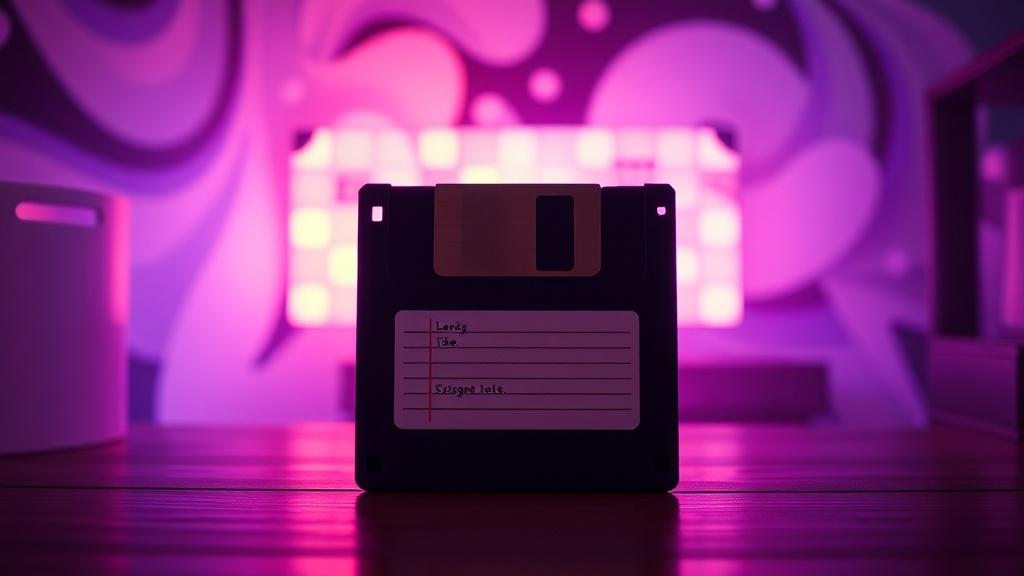
Diskette Dreams: Revisiting the Enduring Charm of Floppy Media

Why Floppy Disks Still Command Our Attention in Retro Computing?
In the vibrant realm of retro computing, where glowing CRTs and clicky keyboards reign supreme, one humble component often stirs as much passion as the vintage hardware it feeds: the floppy disk. This piece will explore the persistent allure of floppy disks for enthusiasts, dissecting their historical significance, technical underpinnings, and the unique challenges and triumphs involved in keeping this legacy storage medium alive and functional in the 21st century. Understanding the floppy disk isn't just about nostalgia; it’s about appreciating a foundational technology that shaped personal computing.
For many, the physical act of inserting a floppy disk into a drive is an indelible part of their earliest computer memories. It’s a tactile experience, distinct from the ephemeral nature of modern digital downloads. The gentle click, the whir of the drive, the LED indicating activity—these sensory cues are deeply embedded in the retro computing experience. This isn't merely sentimentality; it speaks to the authenticity of interacting with vintage systems as they were originally intended. Running software from a physical floppy, rather than an emulated disk image, connects us directly to the hardware's original operational paradigm. It’s an immersion that digital facsimiles, however convenient, simply can’t replicate. Beyond the experiential, there's a practical side: many vintage computers rely on floppy drives as their primary, or even sole, method of loading operating systems and applications. Without functioning floppy drives and media, these machines become expensive paperweights.
How Do Floppy Disk Drives Actually Work Their Magic?
To truly appreciate the floppy disk, a basic understanding of its mechanics is helpful. A floppy disk, at its core, is a circular piece of magnetic film, not unlike audiotape, encased in a square or rectangular protective jacket. Early disks, like the 8-inch and 5.25-inch variants, featured flexible jackets, hence the 'floppy' moniker. The later 3.5-inch disks were still internally flexible but housed in rigid plastic, offering greater protection.
When a floppy disk is inserted into a drive, a central spindle motor engages with a hub on the disk, spinning it at a constant rate (typically 300 or 360 RPM). Simultaneously, a read/write head assembly, similar to those found in old cassette players, positions itself over the spinning magnetic surface. This head contains tiny electromagnets that can magnetize microscopic areas on the disk's surface to store data (writing) or detect existing magnetic patterns (reading). The disk's surface is organized into concentric tracks, which are further divided into sectors. Data is written and read sequentially along these tracks and sectors. A stepping motor precisely moves the read/write head radially across the disk, allowing it to access different tracks. The drive's controller chip manages the intricate timing and data transfer, translating electrical signals into magnetic changes and vice-versa. This mechanical precision, combined with the inherent properties of magnetic media, defined data storage for decades.
What Are the Common Pitfalls of Floppy Disks Today, and How Can We Navigate Them?
Despite their enduring charm, floppy disks and their associated drives present several challenges in contemporary retro computing. The most prevalent issue for the media itself is 'disk rot'—the degradation of the magnetic particles and binder material on the disk's surface over time. This leads to data loss, read errors, and general unreliability. Similarly, floppy disk drives, being mechanical devices, are prone to wear and tear. Drive belts can perish, read/write heads can become misaligned or dirty, and electronics can fail. Securing working drives and reliable media can be a significant hurdle for collectors.
Thankfully, the retro computing community has developed ingenious solutions to these problems. For ailing drives, cleaning read/write heads with isopropyl alcohol and cotton swabs is a common first step. Replacing worn drive belts, while sometimes fiddly, can often revive a non-functional drive. When original media proves unreliable or difficult to acquire,